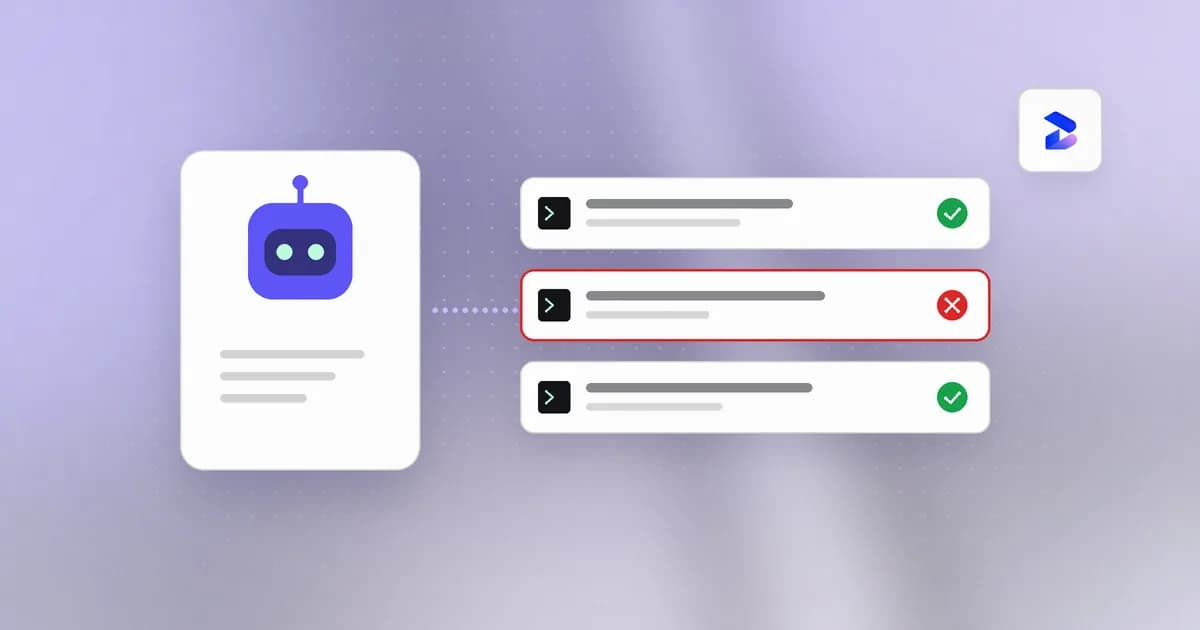
AI agent security on a coding agent is the combination of least-privilege tools, approval gates before shell and MCP calls, and observability on the machine where Claude Code or Codex runs. Generic “agent security” pages list OWASP categories; this guide ties each control to settings and files you can verify on your workstation, and names what still fails when only the model is trusted.
TL;DR
| Question | Answer |
|---|---|
| Am I affected? | Yes, if a coding agent can run bash, edit files, or call MCP servers on code you did not write |
| Is there a fix? | Narrow tools, require approvals, sandbox shell, scan skills/MCP, log PreToolUse—not one vendor checkbox |
| Does data leave my machine? | The model API still sees prompts; exfiltration also happens via approved curl, MCP, or pasted secrets |
| What is AI agent security in practice? | Tool boundaries + human gates + endpoint logs per OWASP AI Agent Security |
| Where does Beam fit? | Local hook capture, heuristic scans, optional deny on wired harnesses—see agent runtime security |
What AI agent security means when the agent has a shell
Enterprise cheat sheets describe prompt injection, tool abuse, and excessive autonomy as separate classes. On a developer laptop those risks collapse into one question: what can this harness do without a human who understands the blast radius?
Google’s secure-agent principles emphasize well-scoped tools, human confirmation for irreversible actions, and observable planning. Microsoft’s agentic readiness pillar adds misuse detection on denied operations and unusual tool sequences. Neither replaces your permission file: they tell you what to implement.
For coding agents, implement three layers:
- Configuration — permission mode, deny lists, MCP allowlists, sandbox toggles.
- Execution boundary — OS sandbox for bash, working-directory fences, separate processes for untrusted repos.
- Evidence — who approved which tool call, from which repo, on which harness version.
Skip any layer and ai agent security becomes a policy PDF, not a control.
Map your attack surface in one sitting
Open the harness config the agent actually loads—not a template from six months ago.
| Surface | Claude Code | Codex / Cursor (typical) |
|---|---|---|
| Shell | settings.json permissions, /sandbox | Harness-specific hook or approval files |
| Files | Working directory + additional dirs | Workspace roots in IDE integration |
| MCP | Project .mcp.json, user MCP config | Same pattern; often auto-approved in some IDEs |
| Instructions | CLAUDE.md, skills, plugins | Rules files, skills, AGENTS.md |
| Network | curl/wget prompts or sandbox proxy | Tool-dependent; check each MCP transport |
Anthropic’s Claude Code security guide states you are responsible for reviewing proposed commands and recommends VMs for untrusted tool chains. Treat that as the baseline for ai agent security on Anthropic’s harness—not optional hardening.
Permission modes and why they matter
Interactive sessions default to Auto mode per Anthropic’s docs; Manual mode starts read-only and prompts before edits and most network commands. Auto routes many actions through a classifier instead of you—convenient, but a different trust model. Permission configuration documents deny rules such as blocking Bash(curl *) when you want network enforcement without relying on the model to refuse.
Common mistake: allowlisting Bash(git *) or Bash(npm *) and assuming injection in a package script cannot execute. Approved partial patterns still run child processes your rule may not describe.
Tool authorization outside the model
OWASP’s agent cheat sheet requires authorization in the execution component: verify approval belongs to the current actor and exact tool call, consume it atomically, and fail closed for unknown tools.
Coding agents rarely expose that middleware in one place—you assemble it:
- Deny lists in harness settings for destructive patterns (
rm -rf, credential paths). - Sandboxed bash via Claude Code’s
/sandboxwithfilesystem.denyReadfor~/.sshand related credential paths. - MCP inventory — one server per task; unpinned npm MCP packages are supply-chain input, not “just config.”
Read MCP security practical guide before adding a second server “for convenience.”
Sandboxes are partial, not magic
The sandbox environments doc is explicit: the built-in bash sandbox does not isolate file tools, MCP, or hooks. Only the whole-process runtime, container, or VM boundary does. Isolation also does not stop prompts and file contents from reaching the model API.
For ai agent security, pick isolation to match unattended use:
| Goal | Minimum isolation |
|---|---|
| Interactive coding on trusted repos | Manual mode + review |
| Untrusted clone | VM or devcontainer for the entire harness |
--dangerously-skip-permissions | Container/VM/runtime—not bash sandbox alone |
Observability: what to log on the coding endpoint
Cloud “AI security” products often inventory SaaS copilots. Coding-agent ai agent security needs the endpoint: PreToolUse proposals, MCP tool names, arguments (redacted), and policy outcomes.
AI agent security monitoring on coding endpoints walks the five event classes—shell, path drift, MCP, credentials, settings tampering—that match public advisories. Pair that with an AI agent security audit checklist when you onboard a new repo or MCP server.
OWASP recommends timestamped logs of inputs, tool calls, parameters, approvals, and outcomes. Your harness may not export all of that natively; hooks and local collectors fill the gap.
What this means if you run AI coding agents
Concrete checks before you point an agent at a fork you did not author:
- Run
claude --version(or your harness equivalent) and note the semver for incident correlation. - Set Manual mode (or your org’s stricter baseline) on sensitive trees.
- Run
beam scan SKILL.mdandbeam scan .mcp.json --mcpon project instructions before first session—see Beam scanning docs. - Enable bash sandbox where supported; deny read on credential paths in sandbox settings.
- Install PreToolUse hooks and confirm one harmless tool call appears in Studio—agent hooks.
- Re-run inventory after any marketplace plugin or skill zip.
If you supervise a team, publish the effective permission mode and forbidden patterns the way you publish firewall rules—agents forget human nuance faster than people forget RFCs.
Framework comparisons: what enterprises publish vs what developers need
Vendor frameworks help security architects; developers need file paths and defaults.
| Source | What it contributes | What it rarely gives you |
|---|---|---|
| OWASP AI Agent Security Cheat Sheet | Tool middleware, HITL, logging fields | Your settings.json deny syntax |
| Microsoft secure agentic systems | Orchestrator logic vs model reasoning | Laptop MCP shadow IT |
| Google secure agents PDF | Observable actions, scoped delegation | Claude Code Auto classifier behavior |
| OWASP Securing Agentic Applications Guide | Multi-agent cascade risks | Per-repo skill zip review |
Ai agent security for coding teams bridges that gap: start from harness docs, cite frameworks as rationale, and store evidence locally when cloud inventory never sees the session.
Worked example: tightening Claude Code on a forked library
Assume you cloned an unfamiliar OSS repo to propose a patch.
- Session start — launch from the repo root so working-directory boundaries apply; avoid starting in
$HOMEwhere trust prompts behave differently. - Mode — switch to Manual before the agent reads
READMEor runs install scripts (per security best practices). - Deny network shell — add
permissions.denyentries forBash(curl *)andBash(wget *)if you have not yet enabled sandbox egress controls. - Sandbox — run
/sandbox, setfilesystem.denyReadfor credential paths documented in sandboxing, and keepnetwork.allowedDomainsempty until you explicitly allow a package registry host. - MCP — if the repo ships
.mcp.json, diff it against your team template; unpinnednpxservers are a supply-chain surface, not convenience. - Evidence — after hooks are installed, confirm Studio shows PreToolUse for the first
npm testproposal.
This sequence takes longer than “just ask Claude to fix the bug,” but it is the difference between ai agent security and hoping the model ignores poisoned install instructions.
Logging fields worth persisting
OWASP’s agent cheat sheet lists inputs, tool calls, parameters, approvals, and outcomes. Map them to artifacts you can actually export:
| OWASP field | Coding-agent analogue |
|---|---|
| Input channel | Chat transcript + files read via tool |
| Tool call | PreToolUse name and JSON args |
| Approval | Harness prompt outcome or policy deny |
| Outcome | Post-execution hook or filesystem diff |
| Version | claude --version, plugin lockfile hash |
Without version stamps, you cannot answer “which GHSA applied that day?” during incident review—link advisories from Claude Code vulnerability checks when correlating.
Team rollout without shelfware
Security teams often buy runtime gateways before developers install hooks. Reverse the failure mode:
- Pilot hooks on one squad repo with observe-only policy for two weeks.
- Collect the top ten denied-or-risky patterns from real sessions—not red-team fiction.
- Publish org deny rules that mirror those patterns in managed settings where Anthropic supports them (managed settings).
- Only then evaluate whether a cloud gateway adds MCP inventory you still lack on laptops.
Enterprise AI coding agent rollout checklist aligns this sequence with procurement timing.
What Beam can and cannot do here
Agent runtime security on Beam is local: adapters on Claude Code and Codex record PreToolUse, evaluate cached workspace policy, and store redacted events under your collector data directory. Modes include observe, advisory, and enforce—with deny wired on those two harnesses. Offline beam scan applies 11 heuristic patterns plus MCP version-pin checks to skills and MCP JSON; it does not execute referenced scripts.
Limits: enforce is hook-based, not a kernel sandbox; Cursor and Copilot CLI get a stderr deny note without verified block; expired cached policy is fail-open; scanning is heuristic, not semantic malware analysis. Beam does not patch Anthropic binaries or replace org-wide MCP gateways—it gives developers on-device evidence and optional pre-run blocks. Compare with cloud suites in AI agent security platforms: how to evaluate.
Frequently asked questions
What is AI agent security?
It is controlling and proving what autonomous tools can do on your systems—permissions, approvals, sandboxes, and logs—so prompt injection cannot silently become curl with your SSH key. For coding agents the workstation is the primary scope.
Is AI agent security the same as LLM security?
LLM security addresses the model interface; agent security addresses tool execution and chained autonomy. You need both if you ship agents in production apps and run shell-capable harnesses locally.
What is the first control for AI agent security on a coding laptop?
Inventory auto-approved tools and shrink them before cloning untrusted repositories. Permission mode and MCP count beat another “safety” prompt in CLAUDE.md.
Do keyword filters make a coding agent secure?
No. Treat filters as tripwires. Enforce path and command policy in settings, sandbox, and hooks.
What does AI agent security monitoring add?
It surfaces drift—new MCP hosts, credential-shaped arguments, destructive sequences—after you configured gates. See the dedicated monitoring guide.
Can Beam replace an enterprise AI agent security platform?
No. Beam is a local prototype for capture, scan, and selective deny. Pair it with org identity, MDM, and gateways where fleet scope requires them.
Related reading
- AI agent security: securing coding assistants against skill injection — instruction-file trust and disclosed CVE context
- AI agent guardrails: monitoring vs blocking — when to enforce at PreToolUse
- Agentjacking: fake Sentry errors hijacking coding agents — indirect injection through tool output
- Introducing Beam: local-first agent security — product scope and privacy model
- SplitSecure StepAuth and MCP gates for credentials — org-wide secret splitting when agents must not hold standing vault access (November 24, 2026)
- What Beam watches on the home page — scanner and hook overview
Permission defaults, sandbox keys, and Beam hook coverage reflect upstream documentation as of 2026-11-23. Re-read Claude Code security and Beam agent-cli policies before changing production posture.