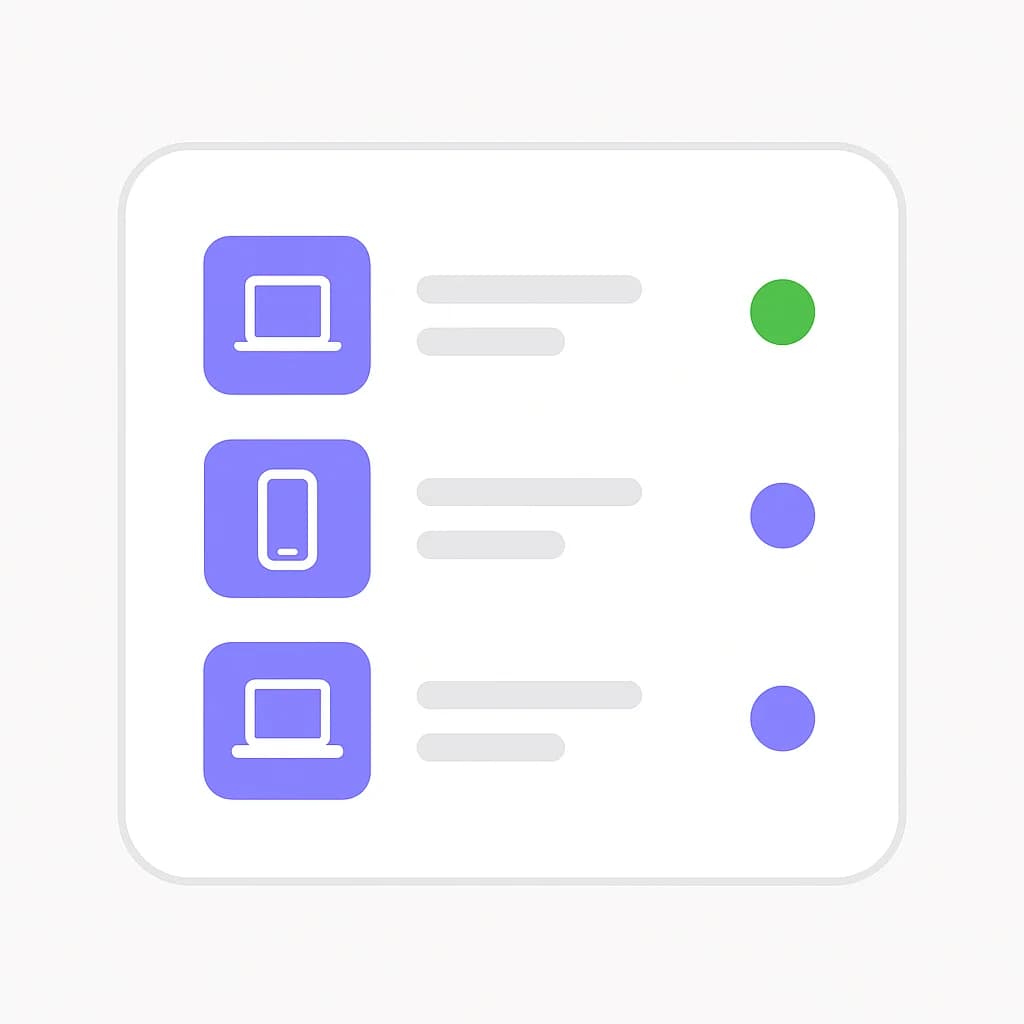
Most teams that adopt AI coding agents already have a device management gap next to their agent visibility gap: the laptops running Claude Code, Cursor, or Codex need a baseline too, and until now that baseline lived in a different tool entirely. Beam MDM closes that gap inside the same workspace — enroll Apple and Windows devices, push their configuration, and follow device operations next to the agent activity already running on them. See the Beam MDM product page for the full walkthrough.
What's new
| Question | Answer |
|---|---|
| What does it manage? | Apple (macOS, iOS, iPadOS) and Windows devices — enrollment, configuration profiles, inventory, and remote operations |
| Is it a separate product? | No — it's a second, independent setup path in the same Beam workspace as agent monitoring |
| Do I need to self-host anything? | Not on Beam-hosted plans. Beam hosts the backend services; self-hosted operators can run the same stack from the published runbook |
| Does selecting it enroll devices automatically? | No. Selecting device management only makes the setup path available; enrollment is a deliberate step |
| Can I use my existing Intune tenant? | Yes, as a connection option — inventory and compliance review, with enrollment staying in Intune |
| Are lock and wipe on by default? | No. Remote actions require administrator access, device confirmation, and password verification, and are enabled per device |
Why device management belongs next to agent monitoring
Beam's agent runtime security already answers "what did the agent do on this machine." Beam MDM answers the question that usually sits with a different team entirely: "what state is this machine in, and did our configuration actually reach it." Our enterprise AI coding agent rollout checklist already calls out an MDM baseline — approved clients, pinned versions, pushed hook or config templates — as a prerequisite for rolling agents out org-wide. Beam MDM means that baseline and the agent activity it's supposed to constrain can now live in one workspace instead of two disconnected consoles.
That also matters for the audit trail teams increasingly need to produce. Our compliance audit trail work and the EU AI Act coverage for coding agents both point at the same requirement: evidence that has to hold up in a review, not just a dashboard that looks reassuring in the moment. A device enrollment record and an operation history sitting next to agent event logs make that evidence easier to assemble, not because Beam MDM certifies compliance on its own, but because the two records now share a workspace and a timeline.
How enrollment and configuration work
Enrollment follows each platform's own mechanism rather than a generic agent installed on top:
- Apple — enrollment profiles and configuration profiles are deployed using Apple's management protocols. Manual enrollment works out of the box; Apple Business Manager can be configured for automated enrollment. Available controls depend on OS version, supervision state, and enrollment type.
- Windows — a signed installer establishes enrollment, and Windows configuration files carry settings to the device. The inventory view shows last check-in time and whether pushed settings have actually landed, not just whether they were sent.
Both platforms report into one inventory, so a mixed Apple/Windows fleet shows up as a single list rather than two systems a reviewer has to reconcile by hand.
This closes one half of a gap explainx.ai covers from the other side in MDM isn't enough anymore: managing AI agents on company devices — traditional MDM answers "is this device compliant," not "what is the agent running on it actually doing." Beam already answers the second question through agent runtime monitoring; Beam MDM now means the device compliance layer that guide argues you still need doesn't have to live in a separate, disconnected console.
Two ways to get remote actions
Beam MDM separates "can I see device state" from "can I act on a device," and offers two paths to the latter:
- Self-hosted MDM service — Beam's workspace controls and operation history sit in front of a dedicated Fleet engine per workspace. Fleet handles enrollment and device protocol delivery. Fleet-based lock and wipe require Fleet Premium.
- Beam-owned device response — native Apple lock and erase through a separately provisioned NanoMDM enrollment, or a signed Windows worker for session disconnect and OS reset. This path doesn't require Fleet Premium, but it adds its own requirements: per-device wipe enablement, password verification, explicit confirmation, and a command journal. Windows session disconnect is a session action, not persistent device lockout.
Either path, or an Intune connection for inventory and compliance review only, requires real certificates, signed packages, and hardware validation before activation — nothing in Beam MDM assumes that infrastructure already exists just because the setup path was selected.
What Beam MDM does not do
Stated plainly, the same way we describe what Beam v1 does not do for agent monitoring:
- It is not automatic enforcement. Remote lock, erase, and session disconnect are opt-in, gated actions — not a background policy engine that acts on its own.
- It does not replace Fleet Premium where Fleet-based lock/wipe is required. Beam's own response path is a distinct, separately activated alternative with its own hardware and signing requirements.
- It is not a substitute for a compliance certification. An enrollment and operation record is evidence a reviewer can examine, not a pass on its own — see AI compliance and regulation for agent activity.
Get started
Start with a small test fleet: verify enrollment on a couple of disposable devices, confirm configuration profiles land, and only then plan a wider rollout. The Beam MDM page walks through connection options and links to a demo if you want to talk through your specific setup first.
Frequently asked questions
What is Beam MDM?
Beam MDM is a device management area inside a Beam workspace for enrolling and managing Apple and Windows devices — deploying configuration profiles, reviewing device inventory and posture, and tracking remote operations, separate from and alongside Beam's AI agent monitoring.
Do I have to use Beam MDM to use Beam for agent monitoring?
No. Agentic CLI monitoring and device management are two independent setup paths in the same workspace. A team can select one, both, or add the other later; choosing device management does not enroll any devices automatically.
Does Beam MDM require its own infrastructure?
No. Beam hosts the backend services for a Beam-hosted workspace — a customer does not deploy Fleet, MySQL, or a management engine themselves. Self-hosted operators can run the same components using the published deployment runbook.
What happens on Apple and Windows devices specifically?
Apple devices enroll through platform enrollment profiles and management protocols; Windows devices enroll through a signed installer and configuration files. Both report into the same inventory view, with delivery state for pushed configuration and a record of submitted operations.
Are lock and wipe available out of the box?
Remote actions are opt-in and gated behind administrator access, device confirmation, and password verification. Fleet-based lock and wipe require Fleet Premium; Beam's own Apple and Windows response path is a separate, explicitly activated connection with its own per-device enablement.
Can I connect an existing Microsoft Intune tenant instead?
Yes. A licensed Intune tenant can be connected to review Apple and Windows inventory and provider-reported compliance and request sync, while enrollment and policy management stay in Intune.
Product details reflect the Beam MDM deployment runbook as of September 15, 2026. Certificates, signed packages, and hardware validation are required before enabling any remote action.